


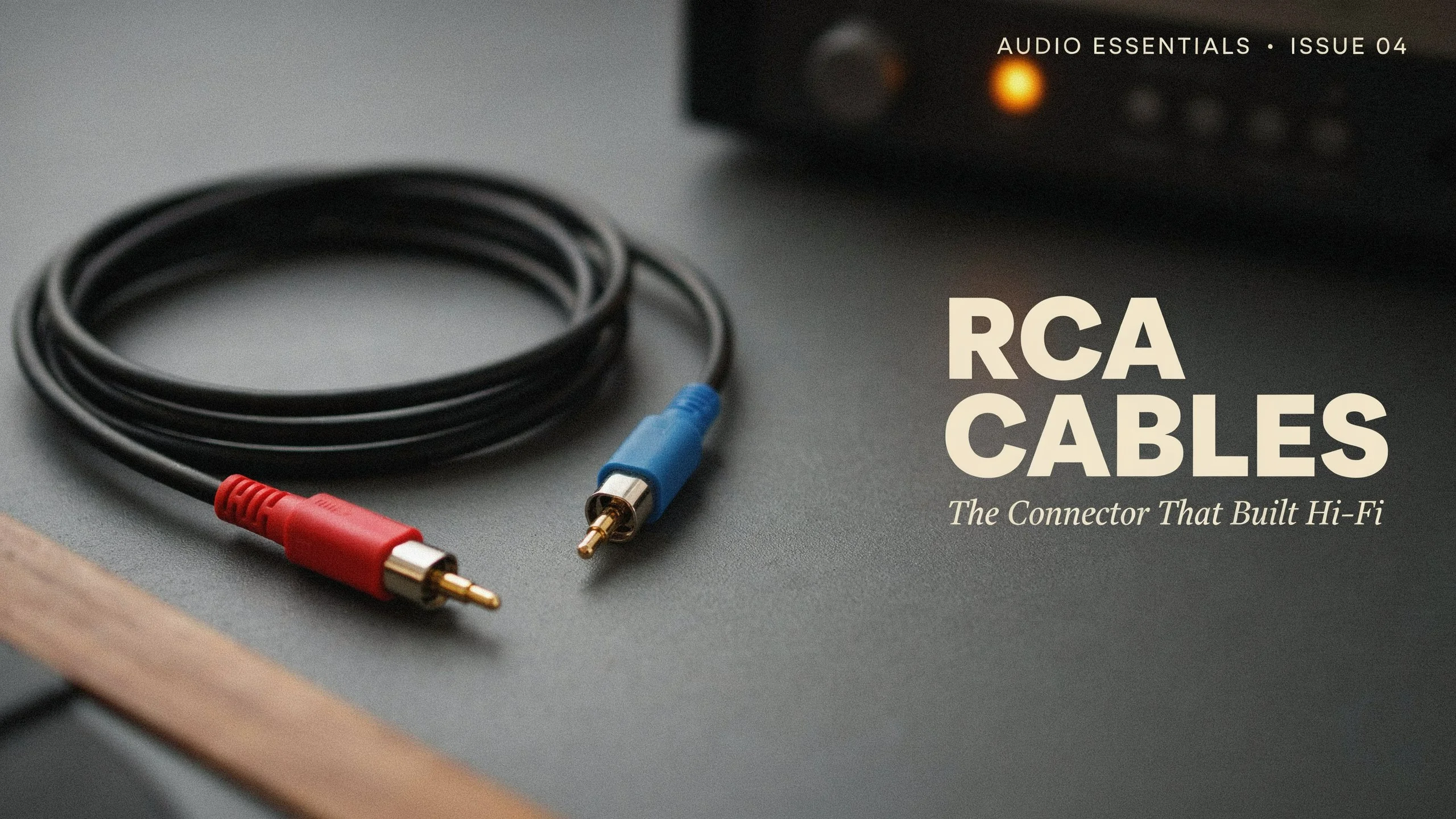
RCA cables are widely used in audio and video equipment to transmit signals between different electronic devices. From connecting a stereo receiver to a home audio system to linking a DVD player with a television, these cables have played an important role in consumer electronics for decades. Although wireless connections and digital interfaces have become increasingly common, RCA cables remain useful for connecting older equipment and compatible audio components.
Understanding how RCA cables work can help you select the right cable for your entertainment system, recording setup, or home audio installation. Factors such as connector type, cable length, shielding, signal compatibility, and construction quality can influence your purchasing decision.
Whether you are setting up a home theater, connecting a turntable, upgrading your stereo system, or working with professional audio equipment, choosing the correct RCA cable can help establish a suitable connection between your devices.
What Are RCA Cables?
RCA cables are electrical cables fitted with RCA connectors, which are commonly identified by their circular metal tips and color-coded plugs. The name comes from the Radio Corporation of America, which helped popularize this connector design for consumer electronics.
Traditional RCA connections carry analog audio signals, while certain RCA-based connections also support composite video and digital coaxial audio. The specific purpose depends on the equipment, cable design, and signal format being used.
A standard stereo RCA cable usually contains two connectors at each end. One connection carries the left audio channel, while the other carries the right audio channel. These plugs are commonly marked white or black for the left channel and red for the right channel.
Some RCA cables have only one connector at each end, making them suitable for mono audio, composite video, or other compatible applications. Other designs combine several RCA connectors to support multichannel audio or component video.
RCA cables are popular because they are straightforward to connect, widely supported by older equipment, and available in different lengths and construction styles.
How Do RCA Cables Work?
RCA cables transmit electrical signals from an output connection on one device to a compatible input on another. For example, a CD player can send an analog audio signal through an RCA cable to a stereo amplifier, which then drives connected speakers.
Most traditional analog RCA connections use an unbalanced signal arrangement. The cable contains a central conductor that carries the signal and a surrounding shield that serves as the electrical return path while helping reduce electromagnetic interference.
The source device generates the signal, and the receiving device interprets it. The quality of the connection depends on several factors, including electrical compatibility, connector condition, cable construction, shielding, and the surrounding environment.
For stereo audio, two separate signal paths are generally required. One carries the left channel, and the other carries the right channel. Keeping these connections properly matched helps preserve the intended stereo presentation.
RCA cables do not independently improve the performance of connected equipment. Their primary purpose is to transfer signals between compatible devices. A properly functioning cable of suitable specifications is generally sufficient for normal listening applications.
Different Types of RCA Cables
RCA cables come in several forms, each designed for particular connection requirements. Identifying the correct type helps prevent compatibility problems and unnecessary purchases.
Stereo Audio RCA Cables
Stereo audio RCA cables are among the most common options for home entertainment systems. They feature two connectors at each end, typically using red and white plugs to identify the right and left audio channels.
These cables can connect CD players, cassette decks, stereo receivers, amplifiers, and other compatible analog audio equipment.
For example, if a receiver has an analog audio input and a CD player has matching stereo RCA outputs, a standard stereo RCA cable can connect the two devices.
When choosing stereo audio RCA cables, check the connector layout, required cable length, and compatibility of the input and output connections.
Composite Video RCA Cables
Composite video cables transmit video through a single RCA connection. The connector is commonly yellow, although the color can vary depending on the equipment.
Composite video combines several elements of the video signal into one connection. This format was widely used in older televisions, VCRs, DVD players, camcorders, and gaming consoles.
A composite video cable is designed for video transmission rather than stereo audio. Some inexpensive cable assemblies include yellow, red, and white connectors in one package, allowing users to connect composite video and stereo audio simultaneously.
Although composite video remains useful for compatible legacy equipment, it generally provides lower picture quality than component video, HDMI, and other modern digital interfaces.
Component Video RCA Cables
Component video uses three separate RCA connections to transmit video information. These connectors are commonly colored green, blue, and red.
Unlike composite video, component video separates the video signal into multiple components. This arrangement can provide better picture quality when supported by both the source device and the display.
Component video connections appeared on many older DVD players, televisions, projectors, and home theater systems.
A component video connection should not be confused with a standard stereo audio connection simply because both use RCA connectors. The connector shape may be identical, but the signals and intended applications differ.
Digital Coaxial RCA Cables
Digital coaxial audio cables use RCA-style connectors to carry digital audio signals between compatible devices. They are often identified by orange connectors, although color coding is not universal.
These cables are commonly used with certain CD players, DVD players, digital audio converters, receivers, and other equipment featuring coaxial S/PDIF connections.
Digital coaxial RCA cables have different electrical requirements from ordinary analog audio cables. A properly specified 75-ohm coaxial cable is generally preferred for this application.
Although a standard analog RCA cable may sometimes work for a short digital connection, using a cable designed for the correct impedance is the more appropriate choice.
Subwoofer RCA Cables
Subwoofer RCA cables connect compatible audio equipment to a powered subwoofer. They are frequently used with home theater receivers, stereo systems, and audio processors that provide a dedicated subwoofer output.
A typical setup involves connecting the receiver’s subwoofer output to the corresponding line-level input on the subwoofer.
These cables may feature additional shielding or thicker construction, depending on the manufacturer and intended installation. However, greater thickness alone does not guarantee better audio performance.
Before purchasing a subwoofer RCA cable, check the location of the equipment, the distance between the receiver and subwoofer, and whether the system requires a single connection or a different input arrangement.
Multichannel RCA Cables
Multichannel RCA cables combine several individual signal paths into one organized cable assembly. They are useful for connecting compatible audio equipment that requires separate analog channels.
For example, some older home theater receivers and DVD players support multichannel analog connections for front, center, surround, and subwoofer channels.
These cable assemblies can simplify installations by keeping multiple connections grouped together. Matching each connector to the correct channel is essential for proper playback.
Common Uses of RCA Cables
RCA cables are used across several areas of home entertainment and audio equipment. Their usefulness depends on the connections available on the devices being linked.
Connecting Stereo Receivers and Amplifiers
Stereo RCA cables are frequently used to connect audio sources to amplifiers and receivers.
A CD player, cassette deck, or compatible media player can send an analog signal to an amplifier through its RCA output. The amplifier then processes the signal and sends it to connected speakers.
Some integrated amplifiers also include RCA inputs for turntables, external digital-to-analog converters, and other audio sources.
However, turntables require particular attention. A turntable with a built-in phono preamplifier can usually connect to a suitable line-level input. A turntable without a built-in preamplifier typically requires a dedicated phono input or an external phono preamplifier.
Connecting DVD Players and Older Televisions
Older DVD players, VCRs, and televisions frequently use RCA connections for audio and video.
A conventional composite connection generally uses a yellow plug for video and red and white plugs for stereo audio. Matching these plugs to the corresponding inputs helps establish the connection.
Some modern televisions no longer include traditional RCA inputs. In these cases, a compatible converter may be necessary.
Before purchasing an adapter, verify the signal direction and supported format. An RCA-to-HDMI converter and an HDMI-to-RCA converter perform different functions and are not necessarily interchangeable.
Connecting Turntables and Vinyl Record Players
RCA connections remain common on turntables and vinyl playback equipment.
Many turntables use stereo RCA cables to transmit audio to a phono preamplifier or amplifier. Some models feature detachable cables, while others have permanently attached connections.
Correct grounding may also be necessary to reduce hum. Certain turntables include a separate grounding wire that must be connected to the appropriate grounding terminal on compatible equipment.
If you experience a persistent buzzing sound, check the grounding arrangement, connector condition, cable routing, and compatibility of the phono input.
Connecting Powered Subwoofers
Powered subwoofers commonly use RCA connections to receive low-frequency audio signals from receivers and compatible amplifiers.
A dedicated subwoofer output often provides the appropriate signal for this connection. Some subwoofers also accept stereo line-level inputs.
Using the correct connection can simplify installation and help the subwoofer integrate with the main speaker system.
Cable length should be sufficient to reach the equipment without placing unnecessary tension on the connectors. Avoid running signal cables directly alongside sources of electrical interference when possible.
Using RCA Cables in Recording Studios
Some recording equipment, mixers, samplers, and audio interfaces include RCA connections for specific input and output functions.
RCA cables can connect compatible consumer audio equipment to recording systems, monitoring devices, and other components.
However, RCA connections are not interchangeable with every professional audio connection. Balanced XLR and TRS connections use different wiring arrangements and may operate at different signal levels.
When connecting consumer and professional equipment, verify the signal level, connector wiring, and input requirements. A suitable adapter or interface may be necessary.
Benefits of Using RCA Cables
RCA cables continue to serve a practical purpose because of their compatibility with many established audio and video devices.
Wide Compatibility With Older Equipment
One of the main advantages of RCA cables is their presence on a broad range of legacy electronics.
People who own older amplifiers, cassette players, DVD players, turntables, or VCRs may need RCA connections to keep their equipment working together.
Replacing an otherwise functional component simply because it uses an older connector may be unnecessary when a suitable cable can establish the required connection.
Simple Installation
Traditional RCA connections are easy to recognize and generally straightforward to install.
Color-coded plugs help users distinguish between audio channels and video connections. The connectors push into matching sockets without requiring specialized installation tools.
This simplicity makes RCA cables suitable for many home audio setups and basic equipment connections.
Availability in Different Lengths
RCA cables are available in short lengths for compact desktop systems and longer versions for entertainment centers, studios, and other installations.
Selecting an appropriate length can help maintain an organized setup while avoiding unnecessary cable loops.
Longer runs may require additional attention to shielding, cable capacitance, and signal compatibility, particularly in sensitive analog audio applications.
Support for Different Applications
Although RCA connectors are often associated with stereo audio, they also appear in composite video, component video, and digital coaxial audio connections.
This versatility allows the same general connector format to serve several different purposes.
Nevertheless, connector shape alone does not establish compatibility. Always confirm that the cable and connected devices support the intended signal.
How to Choose the Right RCA Cables
Choosing RCA cables requires more than comparing prices or selecting the thickest option. The correct specifications depend on your equipment and intended application.
Confirm the Connector Type
Start by examining the output on the source device and the input on the receiving device.
Determine whether you need stereo analog audio, composite video, component video, digital coaxial audio, or a subwoofer connection.
Although several of these applications use RCA connectors, they may require different cable specifications.
Reading the equipment manuals can help identify the correct connection before making a purchase.
Select the Appropriate Cable Length
Measure the distance between the devices and allow enough length for routing the cable safely.
A cable that is too short may place stress on the connectors. An unnecessarily long cable can make the installation harder to organize and may introduce additional electrical considerations in some applications.
For typical home stereo connections, choose a practical length that reaches both devices without pulling on the plugs.
Check Shielding and Construction
Shielding helps protect signal conductors from electromagnetic interference generated by nearby electrical equipment.
This can be particularly relevant when RCA cables run near power cables, transformers, displays, or other potential interference sources.
Look for suitable shielding, secure connectors, and a cable construction appropriate for the installation environment.
However, expensive materials and premium marketing claims do not automatically translate into audible improvements. For most ordinary line-level connections, correct specifications and sound construction matter more than luxury branding.
Examine Connector Quality
RCA connectors should fit securely into the corresponding sockets without excessive looseness.
Gold-plated connectors are available on some cables and can help resist surface corrosion under suitable conditions. However, gold plating does not automatically improve sound quality compared with a properly constructed connector using other appropriate materials.
A secure fit, clean contact surfaces, and durable strain relief are more practical considerations when comparing options.
Consider the Intended Signal
Analog audio, digital audio, and video connections have different requirements.
For example, a digital coaxial connection generally calls for a 75-ohm cable, while analog audio cables are commonly selected based on their intended use, construction, length, and electrical characteristics.
Choosing a cable designed for the relevant signal is more important than relying on connector color alone.
RCA Cables vs. HDMI Cables
RCA and HDMI cables serve different purposes, so neither is universally better for every situation.
RCA connections are common on older analog audio equipment and legacy video devices. They can be useful when connecting components that do not support modern digital interfaces.
HDMI carries digital audio and video through a single connection and supports modern entertainment features, depending on the equipment and HDMI version.
For a current television, streaming device, or compatible home theater receiver, HDMI is generally the more practical choice when supported by all connected components.
For an older stereo amplifier with analog RCA inputs, however, RCA cables may be the appropriate solution.
If a device has HDMI outputs while the receiving equipment has only RCA inputs, a compatible active converter may be required. A simple passive cable generally cannot convert digital HDMI signals into analog RCA signals by itself.
The correct option depends on the available ports, signal format, and equipment capabilities.
Common RCA Cable Problems and How to Fix Them
Even correctly selected RCA cables can develop connection problems over time. Identifying the symptoms can help narrow down the cause.
No Sound From One Channel
If one stereo channel stops working, check that the red and white plugs are fully inserted into the appropriate sockets.
Inspect the cable for visible damage and confirm that the source and amplifier settings are correct.
You can also test the equipment using another known-working cable. If the problem moves when you replace or reposition the cable, the original cable or connector may be responsible.
Buzzing or Humming Noise
Persistent humming may result from grounding problems, electrical interference, defective equipment, or an unsuitable connection.
Check the grounding wire on compatible turntables and inspect the cable routing. Moving audio cables away from power supplies and electrical wiring may help reduce interference.
If the noise remains, test the system with different cables and source devices to identify the affected component.
Poor or Missing Video
For composite or component video, verify that each plug is connected to the correct input.
A composite video connection normally uses one video cable, while component video requires three separate video connections.
Also confirm that the television or display supports the selected input. Some newer displays require an adapter or converter to accept legacy video signals.
Loose or Damaged Connectors
Repeated bending, pulling, or twisting can damage cables and connectors.
Inspect the plugs for corrosion, bent components, and loose housings. Replace cables with damaged connectors rather than forcing them into the equipment.
Disconnect equipment before performing any necessary cable replacement, especially when working around complex installations.
How to Maintain RCA Cables for Long-Term Use
Proper cable handling can reduce wear and help preserve connection quality.
Avoid sharply bending the cable near its connectors because this can damage the internal conductors. When disconnecting a cable, hold the plug rather than pulling directly on the wire.
Keep connectors clean and dry. If a connector becomes dirty, disconnect the equipment and clean it using a method suitable for the connector materials. Allow any cleaning agent to evaporate completely before reconnecting the equipment.
Store unused cables in loose coils instead of tightly wrapping them around objects. This reduces unnecessary strain on the conductors and outer insulation.
Labeling cables can also help when managing a home theater, recording studio, or multi-component audio system. Clear labels make it easier to identify the source and destination of each connection.
Regularly inspect cables that are routed through crowded entertainment cabinets or frequently moved between devices.
Are Expensive RCA Cables Worth Buying?
The value of an RCA cable depends on the application, construction quality, and condition of the connected equipment.
For a standard home stereo system, a reasonably priced cable with suitable specifications, secure connectors, and adequate shielding will generally meet the requirements of a normal line-level connection.
More expensive cables may offer improved physical durability, flexible jackets, stronger strain relief, or construction features suited to demanding installations. These characteristics can be worthwhile when equipment is frequently moved or cables must withstand regular handling.
However, higher prices do not guarantee better audio quality. Once a cable is functioning correctly and meeting the requirements of the signal path, replacing it with a more expensive model may produce no meaningful audible difference.
Buy according to your actual needs rather than assuming that premium materials or elaborate product descriptions guarantee superior performance.
Conclusion
RCA cables remain an important connection option for home audio systems, legacy video equipment, recording setups, and compatible entertainment devices. Their straightforward design, recognizable connectors, and broad presence on older electronics make them useful for many practical applications.
Choosing the right cable starts with identifying the signal type and checking the available inputs and outputs. Cable length, shielding, connector construction, and electrical specifications should also match the intended installation.
Whether you need stereo RCA cables for an amplifier, a coaxial cable for digital audio, or a suitable connection for a powered subwoofer, focus on compatibility and construction quality rather than price alone. A correctly specified cable can provide the connection your equipment needs without unnecessary expense.
Frequently Asked Questions
What Are RCA Cables Mainly Used For?
RCA cables are commonly used to connect audio equipment, including amplifiers, receivers, CD players, turntables, and powered subwoofers. They are also used for composite video, component video, and certain digital coaxial audio connections.
Are All RCA Cables the Same?
No. Although RCA connectors share a similar physical design, cables can differ in electrical specifications, shielding, conductor construction, and intended application. A cable suitable for analog audio may not be the correct choice for every digital audio or video connection.
Can RCA Cables Carry Stereo Sound?
Yes. A standard stereo RCA cable assembly generally contains two separate connections, one for the left audio channel and one for the right. Both the source device and the receiving equipment must support compatible stereo analog connections.
Do RCA Cables Improve Sound Quality?
A properly functioning RCA cable transfers the signal between compatible devices. Replacing a damaged, poorly shielded, or unsuitable cable may resolve noise or connection problems. However, changing a correctly functioning cable to a more expensive model does not automatically improve sound quality.
Can RCA Cables Connect to HDMI Devices?
Not directly in every situation. HDMI carries digital audio and video, while traditional RCA connections commonly carry analog signals. Connecting the two formats may require an active converter that supports the required signal direction and output format.
